Install LaceFi Autofill.
Autofill fills in Moodle quizzes for you. It works on Android, iPhone and computers, and setup takes about two minutes.
- Free credits to start
- Top up with M-Pesa
- Any Moodle site
Install
Pick your device. On a phone you need a browser that supports Chrome extensions.
Uses Quetta Browser, a free Android browser that runs Chrome extensions.
-
Download Quetta Browser from the Play Store
Download Quetta -
Open LaceFi Autofill in Quetta
Open in QuettaWhen your phone asks which browser to use, tap Quetta, then Always.
Button didn't work? Copy the link and paste it into Quetta's address bar.
Tap Add to Chrome
Log in to your school portal and open a quiz
The lightbulb button appears in the corner of the quiz page.
Uses Orion Browser by Kagi, a free iPhone browser that runs Chrome extensions.
-
Download Orion Browser from the App Store
Download Orion -
Open LaceFi Autofill in Orion
Open in OrionIf your iPhone asks "Open in Orion?", tap Open.
Button didn't work? Copy the link and paste it into Orion's address bar.
Tap Add to Orion
Log in to your school portal and open a quiz
The lightbulb button appears in the corner of the quiz page.
Works in Chrome, Edge and Brave.
-
Open LaceFi Autofill on the Chrome Web Store
Open Chrome Web Store Click Add to Chrome
Open a quiz page
The lightbulb button appears in the corner of the quiz page.
Optional: pin it to your toolbar
Click the puzzle icon next to the address bar, then the pin next to LaceFi Autofill.
No lightbulb? Open your browser's Extensions page, make sure LaceFi Autofill is turned on, then reload the quiz page.
Use it on a quiz
-
Open the quiz
Start the attempt as usual. Autofill reads the questions on the page.
-
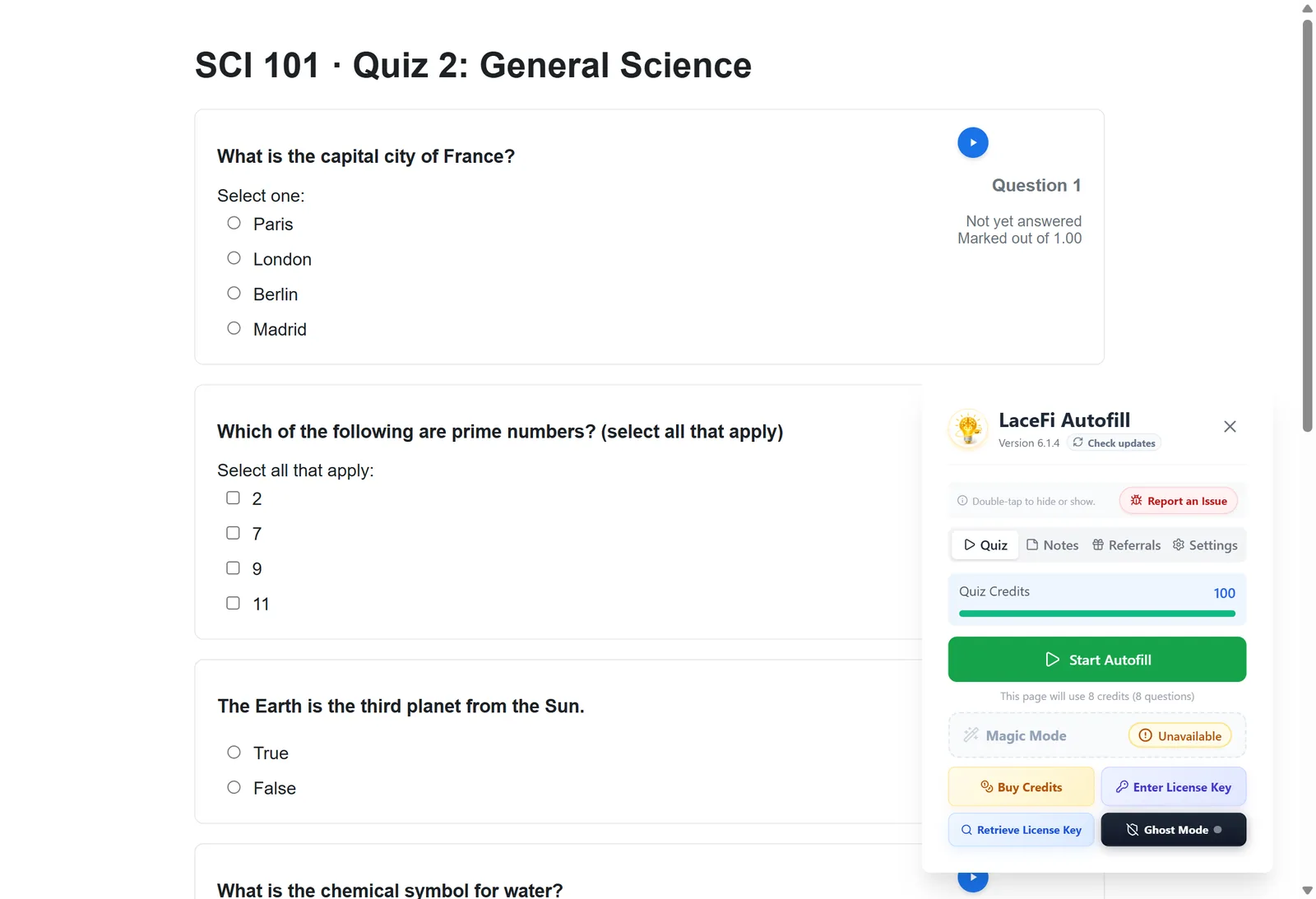
Tap the lightbulb, then Start Autofill
The panel shows how many credits the page will use before you start.
-
Check the answers
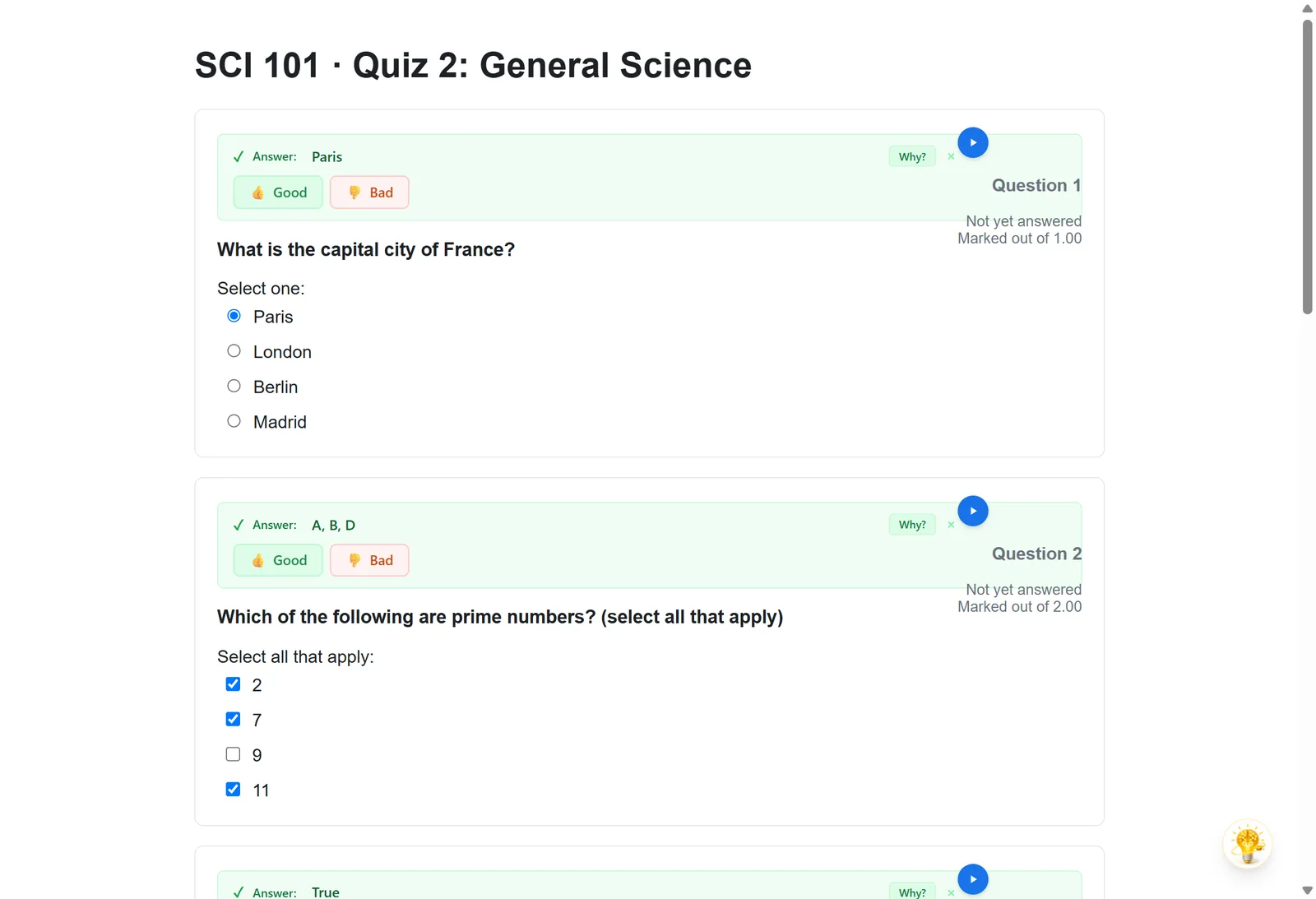
Each answer appears above its question. Tap Why? to see the reasoning, and change anything before you submit.
-
Tap Bad on a wrong answer
We receive the question so we can fix it.
-
One tap per page
Autofill fills every question on the page and can move on to the next page for you.
-
Credits
One credit per question in Basic mode, two in Pro. New users get free credits, and you can top up with M-Pesa.
-
Code and maths
CodeRunner answers go straight into the code editor, and STACK maths questions get every box filled.
Videos
Notes outside eLearning?
If your lecture notes are on WhatsApp or in your email, upload them. Questions that depend on your lecturer's material are then answered from them.